

 UK
 USA
 Canada
 Australia
 New Zealand
 EU
 Japan
 Singapore
 UAE
 India
 South Korea
Clarity 5K Fold Touch 27" Monitor with USB-C Power Delivery and Touchscreen


Couldn't load pickup availability
Specifications
Specifications
Downloads
Downloads

"Alogic's Clarity 5K Touch Delivers a Sharp High-Resolution Display With Touchscreen Support."

"Alogic's innovative new Studio Display competitor combines 5K resolution with touchscreen functionality. Also includes USB-C power delivery and a highly adjustable stand."

"If you like to work directly with the screen and want to invest in the active pen and the folding stand, this gorgeous 5K display is sufficiently colour-accurate for most creative users. Being that close will also enable you to experience 5K correctly."

"Artists and video pros will appreciate the higher 5K resolution of this premium 27-inch touchscreen display with a fantastic height-adjustable, tilt and pivot stand, and impressive color specs."
The World's Leading
for Mac and Windows


Transcend the limits of 4K with Clarity 5K’s intricately detailed, colour accurate screen which you can reach out and touch like an iPad™, or paint onto with our pressure-sensitive Clarity Active Stylus.

High Resolution Display

Unrivalled 5K Touchscreen

Stylus Compatible
From graphic designers to document signers, professionals around the world rely on Clarity Touch’s precision 5K touchscreen to simplify their workflow. With intuitive multitouch gestures and precision stylus support, Clarity Touch empowers you to use your computer like a 32” tablet.


5120x2880
Resolution
16:9
Aspect Ratio
400 nits
Max Brightness
60Hz
Refresh Rate
178°
Viewing Angle
100%
sRGB


Videography
Clarity's 5K allows you to see 33% more of your timeline than a 4K monitor, while its intuitive touchscreen is perfect for making quick adjustments in post production.

Photography
Inject some spontaneity into your Lightroom workflow by using the Clarity Active Stylus for masking, or adjust brightness and colour balance with Clarity's touchscreen.

Graphic Design
Whether you're diving into the fine details with a stylus or quickly dragging elements around to find the best visual flow, Clarity's touchscreen brings the joy back to design.

Digital Art
The perfect canvas for your next masterpiece, Clarity 5K folds down into a comfortable drawing board offering unparalleled stylus precision via its studio-grade screen.
Videography
Clarity's 5K allows you to see 33% more of your timeline than a 4K monitor, while its intuitive touchscreen is perfect for making quick adjustments in post production.
Photography
Inject some spontaneity into your Lightroom workflow by using the Clarity Active Stylus for masking, or adjust brightness and colour balance with Clarity's touchscreen.
Graphic Design
Whether you're diving into the fine details with a stylus or quickly dragging elements around to find the best visual flow, Clarity's touchscreen brings the joy back to design.
Digital Art
The perfect canvas for your next masterpiece, Clarity 5K folds down into a comfortable drawing board offering unparalleled stylus precision via its studio-grade screen.

Clarity’s glossy screen delivers sharp, vibrant and accurate colours, perfect for use in bright home offices, with 100% sRGB and 99% DCI-P3 coverage and an Avg. ΔE well below 1.
Clarity Fold touch's glorious 27" 5K (5120x2880) screen gives you plenty of screen space for multitasking with two windows side by side, or examine the finest details of your latest creation.
Whether you rely on Mac or Windows to get things done, rest assured knowing Clarity’s intuitive multitouch gestures and pressure-sensitive stylus support are fully supported by your favourite applications.


When paired with the snap-on Clarity Active Stylus (sold separately), Clarity Touch becomes the perfect drawing board for your next big idea, or a convenient way to annotate or sign documents your business requires.
4096 levels of pressure sensitivity and tilt-support make our stylus ideal for use in Photoshop, Illustrator and other apps that artists love, while everyone can appreciate its months-long battery life and pairing-free connectivity.
Clarity Fold’s ergonomic stand folds down in seconds into a sturdy, supportive surface for hours of comfortable stylus use. When you’ve finished with the stylus, it’s easy to raise the monitor up to a comfortable eyeline for everyday work.

The robust USB-C hub integrated into every Clarity monitor takes the complexity out of connectivity by recharging your laptop and linking it to two USB devices.

USB-A Ports
For Your Favourite Accessories
USB-B Port
Data Connection for Legacy Computers.
HDMI Ports
5K Video
DisplayPort
5K video
USB-C Port
5K Video & 65W Laptop Charging
Audio Output
For Headphones or Speakers
USB-A Ports
For your favourite accessories
USB-B Port
Data connection for old computers.
HDMI Ports
Provides 4K video
DisplayPort
Provides 4K video
USB-C Port
4K video & 65W laptop charging
Audio Output
For headphones or speakers


I have only tried this monitor as external display with my iPad Air with keyboard and touchpad connected to IPad. So far very impressive clarity. Fold stand is the main reason I gave this a try and it’s worth spending extra money on. Touch screen is responsive but it needs calibration but it’s something to do with IPad OS i believe. I have tried with my laptop but my laptop goes haywire and it keeps resetting display settings so no joy at the moment. Built in sound is poor. Build quality could have been better. But not bad though. Power delivery to my iPad is great, never let battery down even on power apps. I can access all the external ssd drive through the monitor which is great. When I started it first time display was very pale but after playing with setting in iPad and the display itself I managed to get the best view. It gives impressively sharp result. I wish I had a Mac mini or a PC tower so I could have tested it properly. One more thing… display doesn’t go down all way due to the wire connections at the bottom, may be different design in future updates would help.
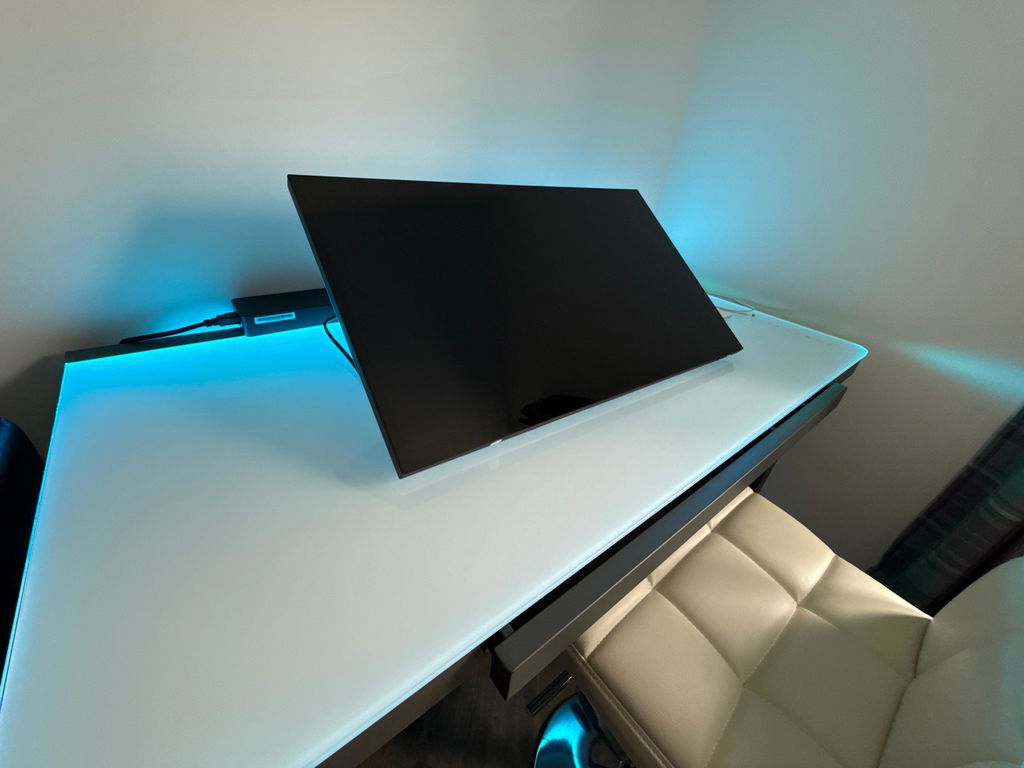
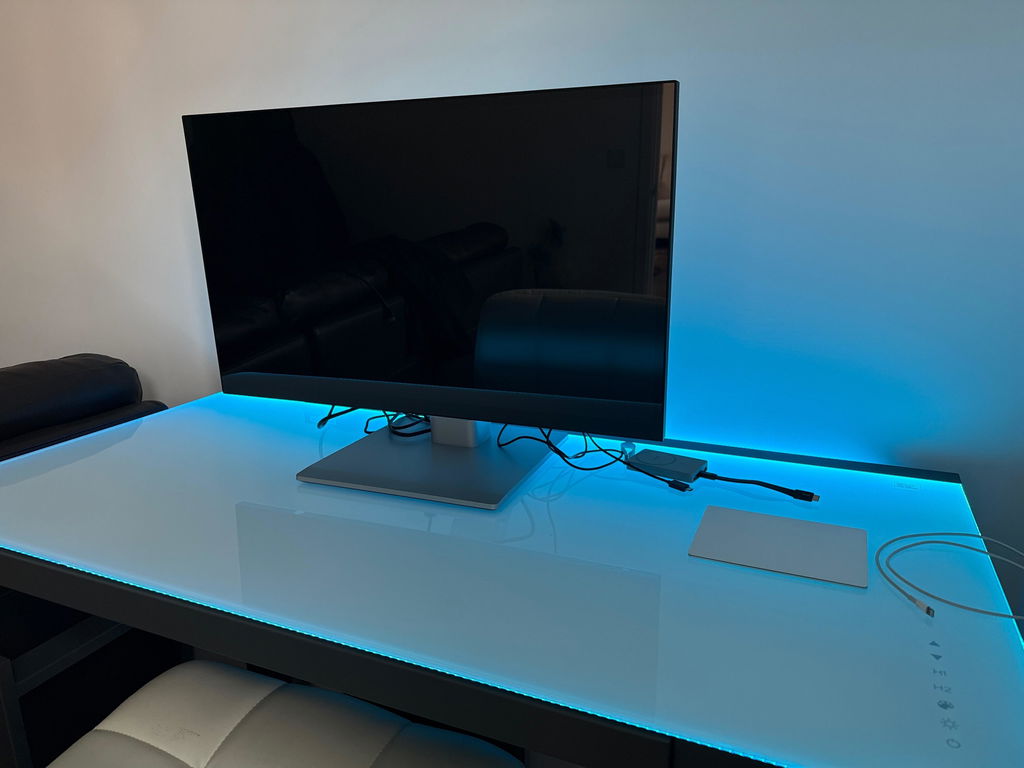
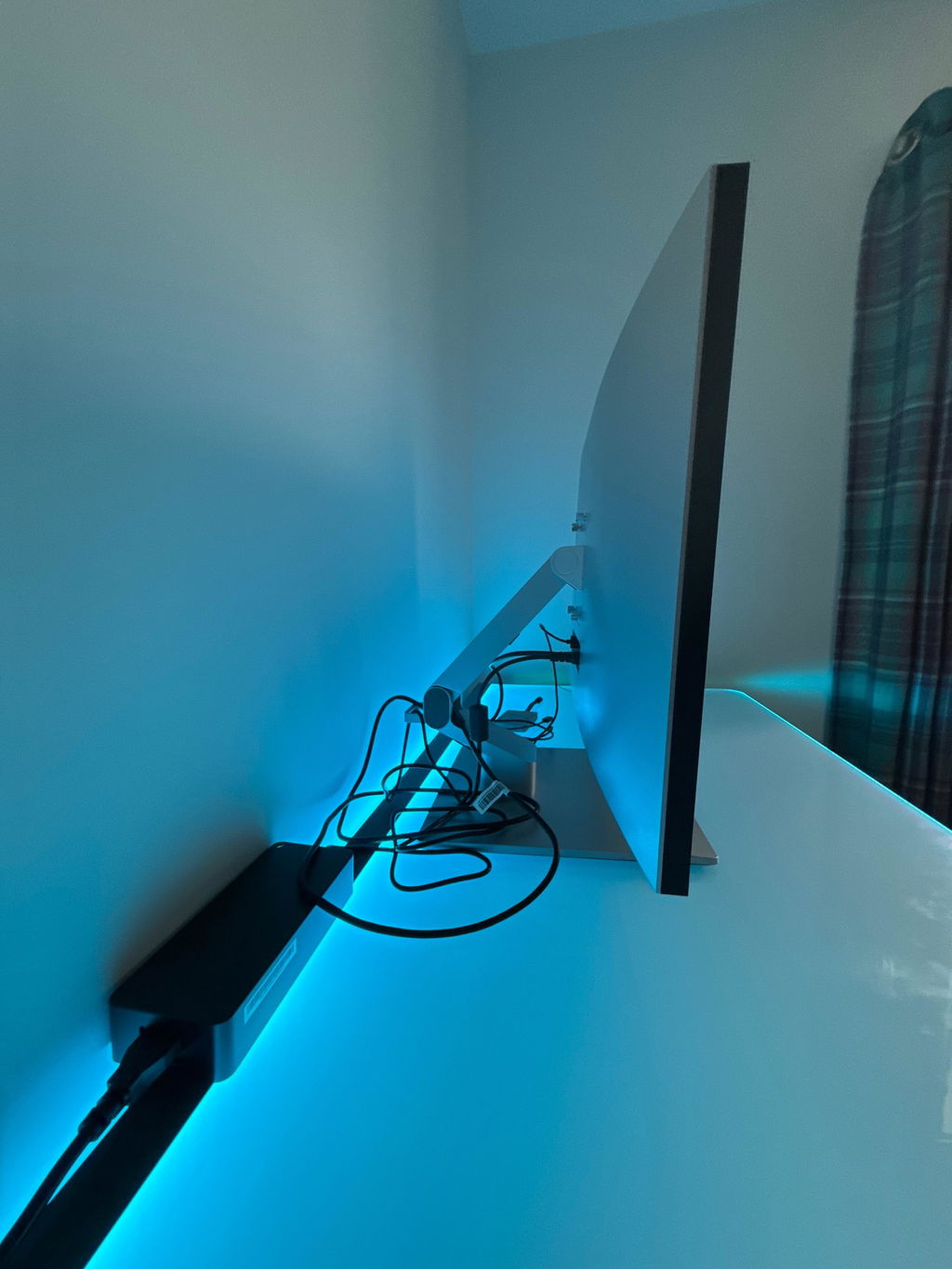
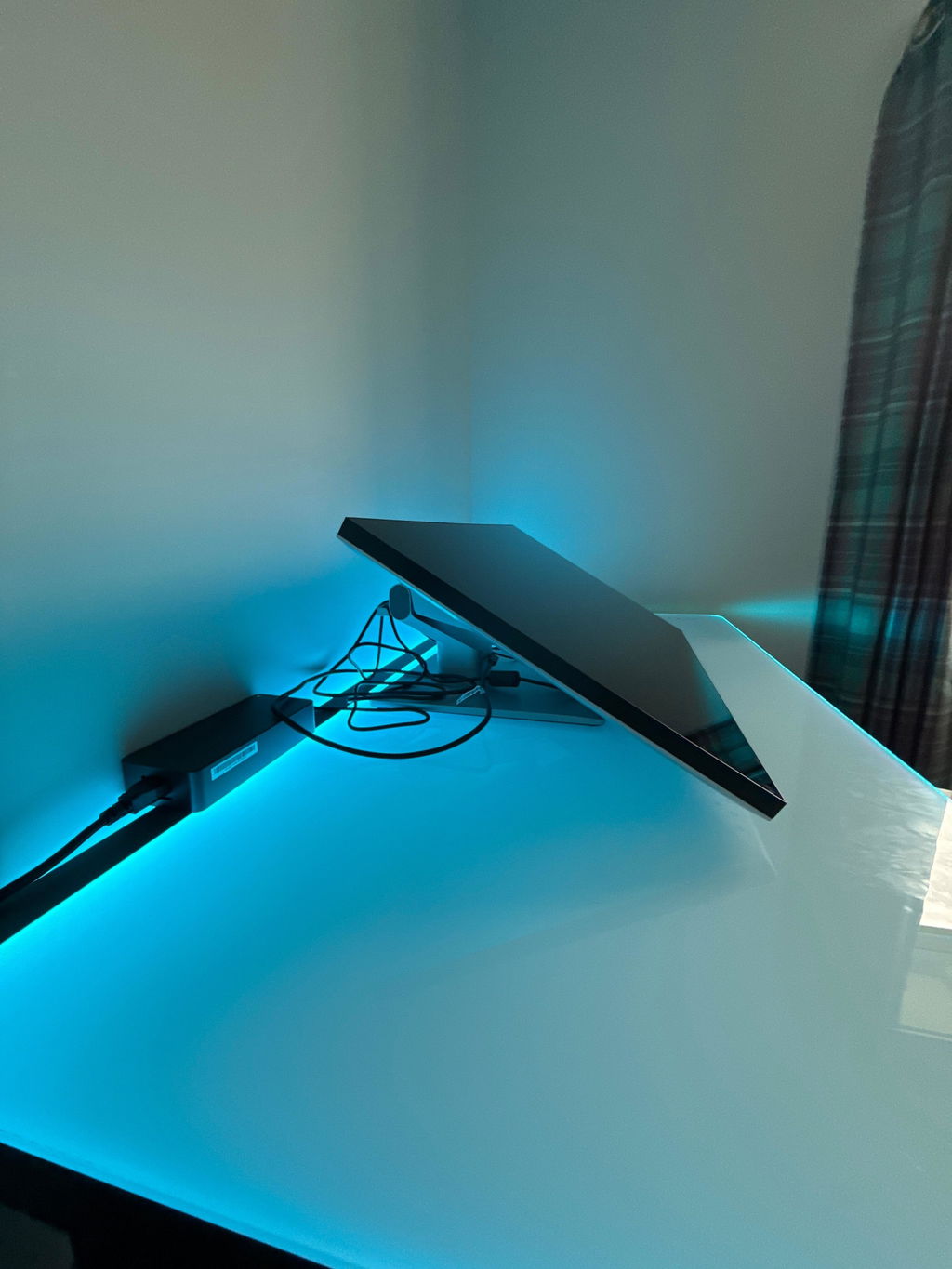
I am happy with the monitor and the experience is fullfilling.
Product werkte niet goed, dus ik wil hem retourneren. Customer support zegt dat ze mij gaan helpen, maar ik zit nog steeds op retour instructies te wachten.
Just what the Doctor ordered.
The image looks good. The exterior of monitor looks kinda cheap in person. It takes a while to wake up and times out a bit fast. If my computer turns on slow I have to restart the computer and monitor several times before they’re both on at the same time. I like the USB A ports function like a hub. I wish you could use the USB C with that as well. Specifically, plug the web cam into the monitor and have it pass the signal back via the USB B connection. Over all it’s ok. It’s not as great as I hoped but not bad enough to deal with sending it back. It really is one a few touch screens I’ve found that big.
I tried this on an Arch Linux system with the latest zen kernel at the time of writing this (6.18 I believe) The touch does work as well as the stylus in Krita, bit I at some point had to add this quirk to /etc/libinput/local-overrides.quirks to get it to map to the monitor and not every monitor I had attached
[MPP Tablet Fix]
MatchUdevType=tablet
AttrTabletIntegration=internal
You might also have to map it with the settings in your compositor or Desktop Environment. Just note that it shows a keyboard and mouse for some reason in evtest under CoolTouch devices, the one that just says "System" at the end is the touch and "System Stylus" is the stylus input.
Also I have to cycle which USB port it uses in the monitor settings sometimes as the USB sometimes disconnects, only occurred twice, but is a bit annoying...
Clarity 5K Touch 27" UHD Monitor with USB-C Power Delivery and Touchscreen
Great product.
Clarity 5K Touch 27" UHD Monitor with USB-C Power Delivery and Touchscreen
This has so much more resoltution than a 4k monitor..IT was a little tricky getting the touch to work(you have to connect a usb to the usbc input on the monitor in additon to the HDMI) but its great. Actually reading the directions helps...A LOT!. The sides are a little dark on the 27 inch, but I expect that is due to my optics. I also purchased the folding stand from B and H cause it was in stock and I didnt want to wait. Overall, I am very please with this and this is coming from an owner of a Studio Surface 1 and 2( my fav and this duplicates it more closely than the other monitors I had.
I had a Benq( missed the touch pen display) then I the Wacom 32 inch( too much real state and too heavy to use as a drawing tablet and monitor. Then I had the Huion 24 inch(still heavy, but no touch) and finally I have the Clarity 5k..The image is amazing and the touch and pen is great
Perfekt für civ7